Networking, Bastions & SSH Tunnels
Networking, Bastions & SSH Tunnels
Enterprise network architectures rely heavily on demilitarized zones (DMZs), firewall boundaries, and network segmentation. sshs3 provides native tools to navigate through isolated infrastructure with minimal complexity.
1. Bastions & Jump Hosts: ProxyJump vs Standalone Tunnels
In sshs3, you can choose between two complementary patterns to access protected servers behind firewalls:
A. Integrated ProxyJump (Recommended)
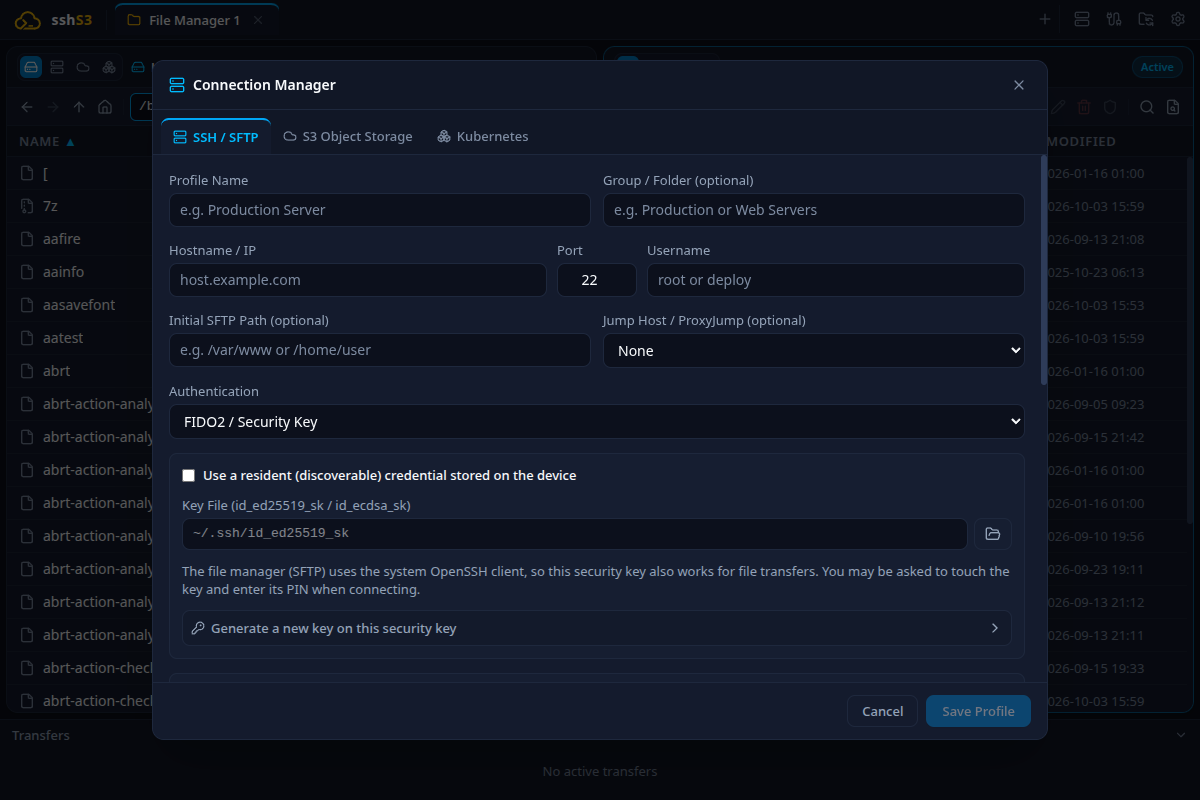
- How It Works: Configured directly in the SSH profile under the Network & Bastion tab. Select an existing SSH profile as your jump host ("Proxy Jump").
- Security: Traffic between your workstation and the destination server is end-to-end encrypted. The bastion acts strictly as a TCP stream forwarder and cannot inspect or intercept unencrypted traffic.
- Protocol: Maps to OpenSSH
-J [user@]bastion[:port]. Supports chained bastions (bastion1,bastion2).
B. Standalone SSH Tunnels Dashboard
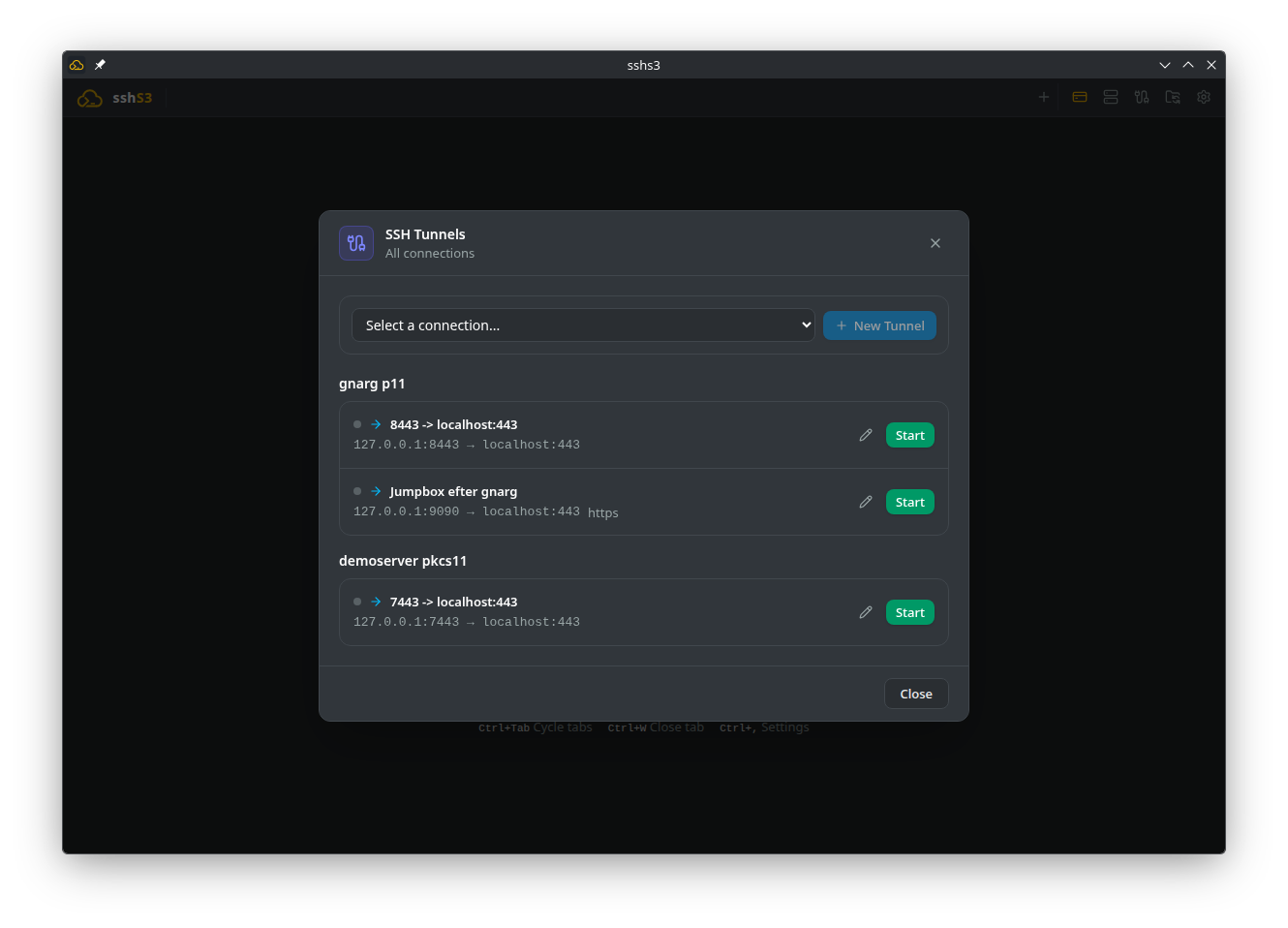
- How It Works: Create and manage persistent port-forwarding rules via the dedicated SSH Tunnels button in the top navigation bar.
- Utility: Ideal for binding local desktop database clients (DBeaver, pgAdmin, Wireshark, Postman) to private internal databases and API endpoints.
2. Port Forwarding: Local, Remote & Dynamic SOCKS5
Feature: Managed Port Forwarding Dashboard
🎯 Purpose
Establish encrypted tunnels through network perimeters to access internal services without requiring complex corporate VPN clients.
🛠️ How to Use
Open the Tunnels dashboard and click New Tunnel:
- Local Port Forwarding (
-L):
- Purpose: Forward a local workstation port to an internal remote service. - Example: Local Port: 5432 → Remote Host: prod-db.internal → Remote Port: 5432. - Result: Open DBeaver or psql and connect to localhost:5432.
- Remote Port Forwarding (
-R):
- Purpose: Expose a local development web service running on your laptop to remote servers or colleagues. - Example: Remote Port: 8080 → Local Host: localhost → Local Port: 3000.
- Dynamic Port Forwarding (SOCKS5 Proxy
-D):
- Purpose: Turn any SSH server into an ad-hoc encrypted SOCKS5 proxy (e.g. 127.0.0.1:1080). - How to Use: Configure your web browser (Firefox/Chrome) or curl to route traffic through the proxy:
curl --socks5-hostname 127.0.0.1:1080 http://internal-dashboard.corp- All network lookups and requests route encrypted through the remote SSH host.
⚠️ Limitations & Caveats
- Local Port Forwarding fails if the local port is already bound by another application.
- Remote Port Forwarding requires
GatewayPorts yesin/etc/ssh/sshd_configif ports are to be reached by third-party hosts.
⚙️ Technical Internals & Architecture
Tunnels run as monitored background processes through SSHTunnelManager (src/main/services/SSHTunnelManager.ts). Sockets feature automatic health check monitoring and reconnect logic with exponential backoff upon network interruption.
3. Graphical X11 Forwarding & Bundled VcXsrv (Windows)
With X11 forwarding, you can run Linux GUI tools on a remote server and render their windows seamlessly on your local desktop.
Feature: Trusted X11 GUI Forwarding (-Y)
🎯 Purpose
Enable operators to run administrative graphical tools (e.g. wireshark, gedit, xterm, virt-manager) without installing desktop environments (GNOME/KDE) on headless servers.
🛠️ How to Use
- In your SSH profile, click Advanced... and tick Forward X11 GUI (-Y).
- Connect to the host.
- Launch an X11 program in the terminal (e.g.,
xclock &orgedit &). - The window appears seamlessly on your workstation!
- On Windows: sshs3 includes a preconfigured, portable installation of VcXsrv. It launches automatically in rootless mode (
:0 -multiwindow -clipboard -wgl), allowing Linux GUI windows to integrate directly with the Windows taskbar and Alt+Tab switcher.
⚠️ Limitations & Caveats
- Remote servers must have
xauthinstalled andX11Forwarding yesactive in/etc/ssh/sshd_config. - X11 traffic is sensitive to network latency; best suited for LAN or fiber links.
⚙️ Technical Internals & Architecture
Uses OpenSSH trusted forwarding (-Y). On Windows, access control is deliberately kept on (-ac flag is strictly omitted): only connections presenting the cryptographic MIT-MAGIC-COOKIE negotiated by OpenSSH are accepted, preventing unauthorized LAN devices from hijacking your forwarded windows.
4. Troubleshooting & Diagnostics Runbook
| Symptom / Error Message | Probable Root Cause | Corrective Action |
|---|---|---|
bind [127.0.0.1]:5432: Address already in use | Local port is occupied by another process | Select a different local port (e.g., 5433) or terminate the conflicting process. |
channel 1: open failed: connect failed | Destination host or port behind bastion is unreachable | Verify target IP and port reachability directly from the bastion (ssh bastion "nc -zv target port"). |
Error: Can't open display: localhost:10.0 | xauth is missing on the remote host | Install xauth: sudo apt install xauth or sudo dnf install xorg-x11-xauth. |
| SOCKS5 proxy fails in browser | DNS queries not routing through proxy | In browser network settings, ensure Proxy DNS when using SOCKS v5 is checked. |